

Firewalls and security groups for Cloud Server
The rules that decide who reaches which port, and how to set them without locking yourself out
For Cloud Server Updated
On this page
A firewall is a set of rules that decides which connections may reach your server. On XVer you set them in the console, without signing in to the server.
What a rule is made of#
| Part | Choices | Example |
|---|---|---|
| Direction | Inbound, outbound | Inbound |
| Action | Accept, Drop, Reject | Accept |
| Protocol | TCP, UDP, ICMP, any | TCP |
| Port | One, a range, or empty | 22 or 80-90 |
| Source | An IP range in CIDR | 203.0.113.10/32 |
| Interface | Public or private IP | Public |
Drop stays silent, Reject answers that it refuses. Rules run from the top, so put Accept above Drop.
Server rules or a security group#
Server rules
Belong to one server. Good for an exception.
Security group
One set of rules used by many servers. Change it once and all of them follow.
| Limit | Value |
|---|---|
| Groups per server | 5 |
| Rules per direction in a group | 60 |
Add your first rule#
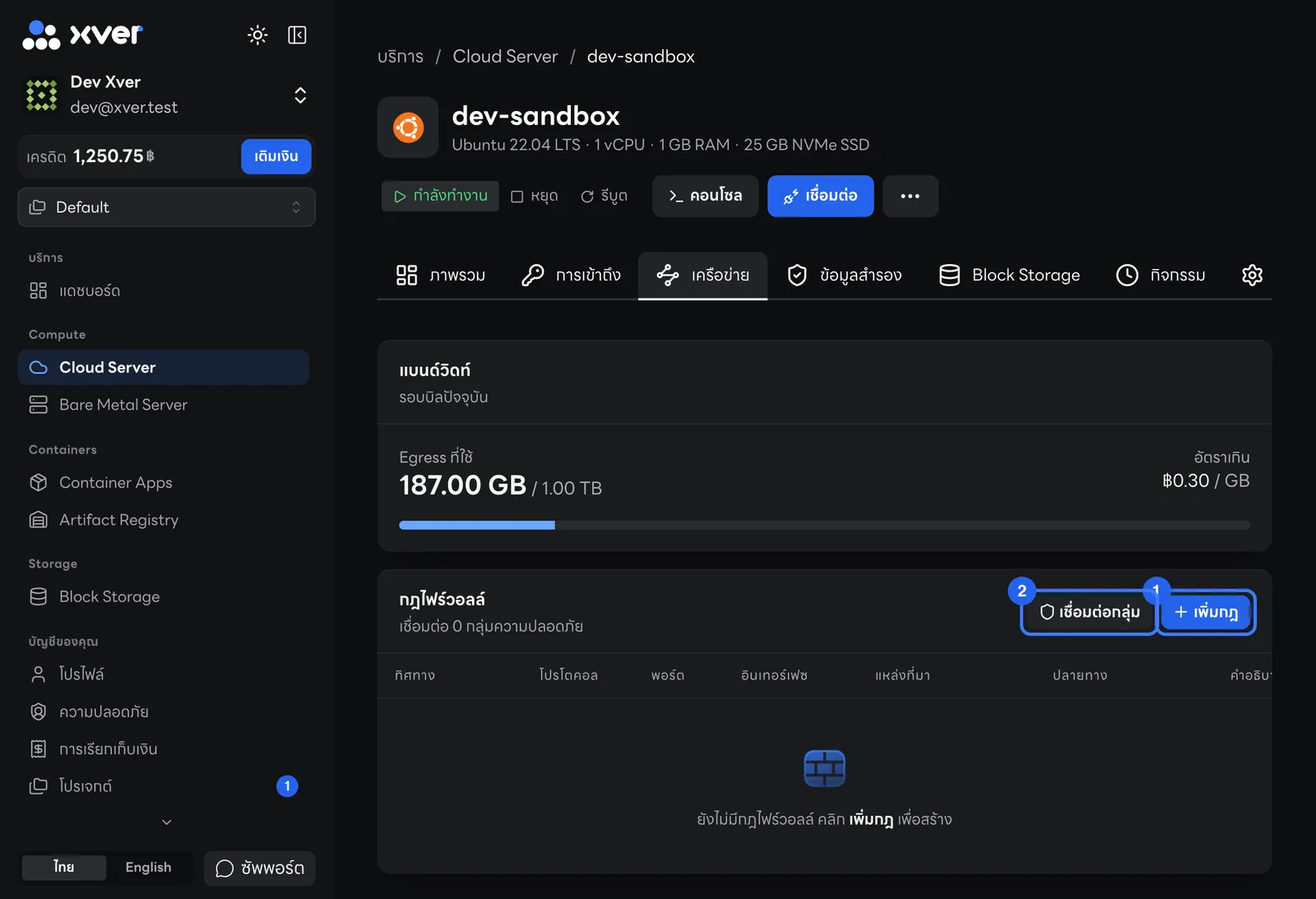
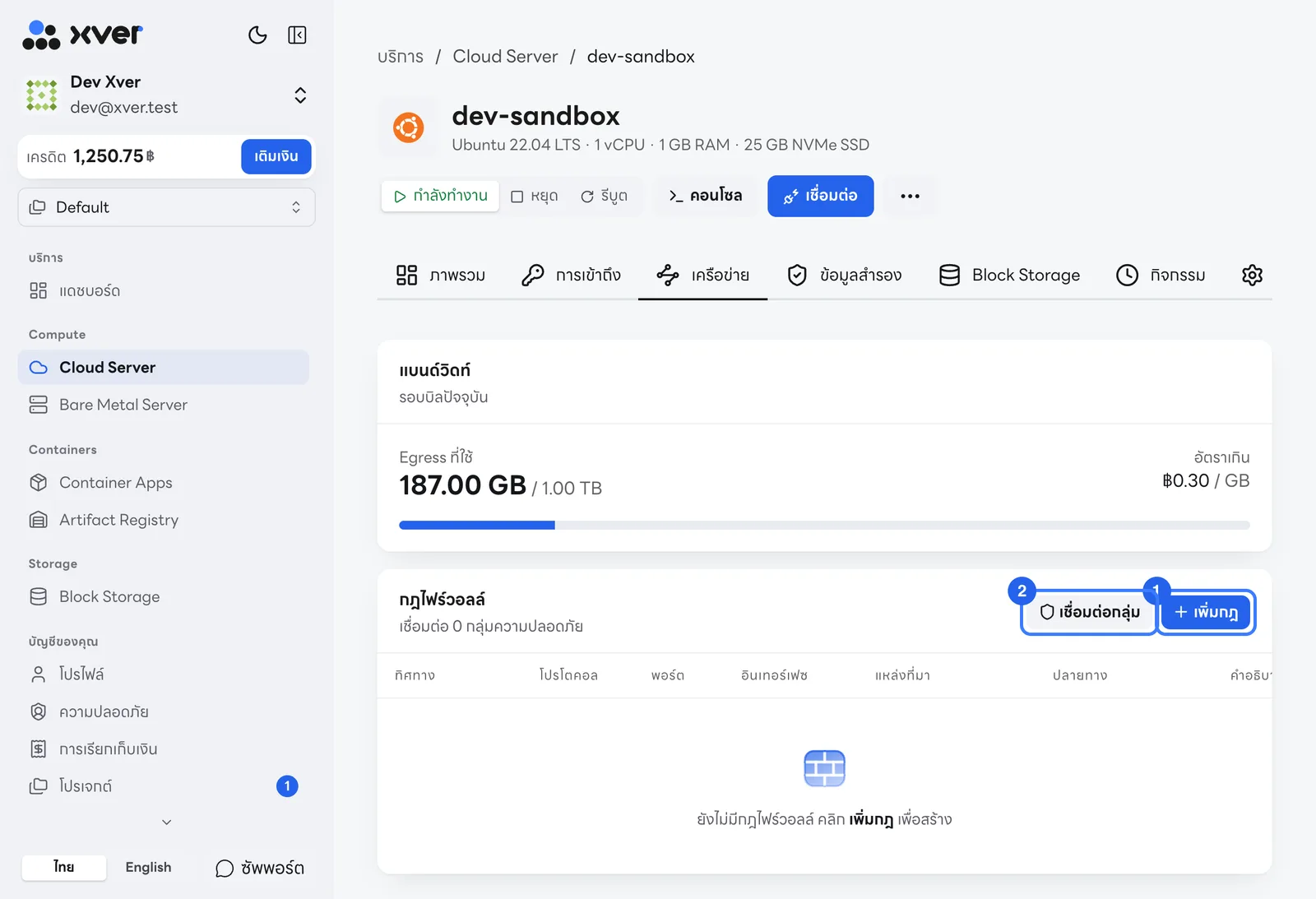
- Open the server, then the Networking tab
- Add rule: inbound, Accept, TCP, port 22, source your IP followed by
/32 - Add a Drop rule for inbound TCP port 22 from
0.0.0.0/0below it - Test with a new SSH window before closing the old one
Ports to open#
| Job | Port | Open to |
|---|---|---|
| Website | 80, 443 | Everyone |
SSH to  Linux |
22 | Your IP |
Remote Desktop to  Windows |
3389 | Your IP |
 MySQL,  PostgreSQL |
3306, 5432 | Your app server only, over the private network |
Locked out?#
| You see | Usual cause | Fix |
|---|---|---|
| SSH times out | Your home IP changed | Edit the source in the console |
| SSH works, the site does not | 80 or 443 not open | Add an inbound rule |
| Open in the console, still blocked | ufw inside the server | sudo ufw allow 443/tcp |
| Shut yourself out | A Drop rule is on top | Use the console button on the server page and reorder |
Next: secure an  Ubuntu server
Questions#
Do security groups cost anything?
No. Any Cloud Server can use them.
Security group or ufw?
Both work together. If you pick one, start with the security group: you can change it even when you cannot sign in.
Does a firewall replace updates?
No. A program on an open port can still be attacked when it is out of date.
