

 Qwen Code vs
 Kimi Code vs
 Mistral Vibe vs
 CodeBuddy: Global Coding CLIs on a VPS
Compare terminal coding agents from Alibaba (Qwen Code), Moonshot AI (Kimi Code), Mistral AI (Mistral Vibe), and Tencent (CodeBuddy) on a Cloud Server.
The XVer team 4 min read 10 min to do Beginner
Also in ภาษาไทย
On this page
- Side-by-side comparison
- Qwen Code: multi-provider open-source CLI with built-in review skills
- Kimi Code: fast keyboard flow, subagents, and chat-based MCP setup
- Mistral Vibe: /goal loops and Git worktree isolation
- CodeBuddy: Tencent's CLI for project init, commits, and log piping
- Choosing one or testing several together
- Server sizing and billing
- Frequently asked questions
Beyond US labs, four capable terminal coding agents from Alibaba, Moonshot AI, Mistral AI, and Tencent have gained strong traction for speed, open-source tooling, and smart workflow primitives. From automated Git worktrees to conversational MCP setup, each brings a clear strength on a  Linux Cloud Server.
Side-by-side comparison#
Verified against official documentation from Alibaba Cloud, Moonshot AI, Mistral AI, and Tencent.
| Area | Qwen Code |
Kimi Code |
Mistral Vibe |
CodeBuddy |
|---|---|---|---|---|
| Maintainer & code | Alibaba Cloud ( GitHub (opens in a new tab)) |
Moonshot AI (GitHub (opens in a new tab)) |
Mistral AI (GitHub (opens in a new tab)) |
Tencent (codebuddy.ai/cli (opens in a new tab)) |
| Command | qwen |
kimi |
vibe |
codebuddy |
| Auth / models | Qwen Plus/Pro or OpenAI, Anthropic, Gemini, local APIs | Kimi subscription or Kimi Platform API key | Mistral API key or compatible endpoints | CodeBuddy account at codebuddy.ai |
| Project rules | QWEN.md and AGENTS.md |
Project context + custom hooks | Project context + Git worktrees | /init project context |
| Standout capability | Built-in /review and /bugfix + /model swap |
coder, explore, plan subagents + /mcp-config |
/goal autonomous loop and --worktree isolation |
Auto commit messages + stdin error log analysis |
| Headless & CI | qwen -p |
kimi -p |
vibe -p + --max-turns |
codebuddy -p "prompt" (accepts stdin pipes) |
Qwen Code: multi-provider open-source CLI with built-in review skills#
Alibaba's Qwen Code is not locked to Qwen models. You can switch with /model across Qwen, OpenAI, Anthropic, Gemini, or self-hosted endpoints, load project rules from QWEN.md and AGENTS.md, trigger built-in /review or /bugfix skills, and pick up older sessions via /resume.
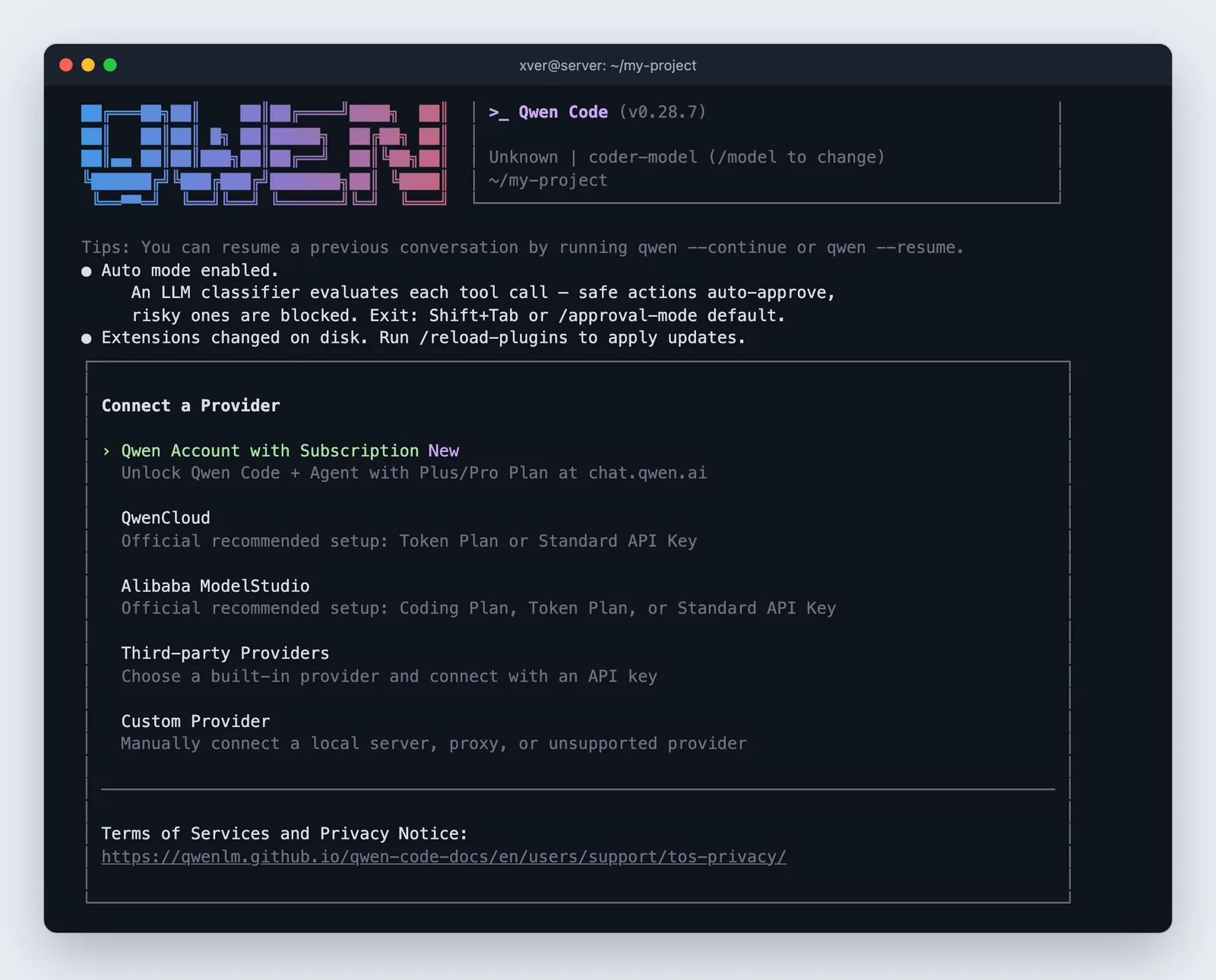 Qwen Code provider setup supporting Qwen models and third-party OpenAI, Anthropic, or Gemini APIs
Kimi Code: fast keyboard flow, subagents, and chat-based MCP setup#
Moonshot AI's Kimi Code optimizes terminal speed: type @ to attach files, prefix ! in an empty prompt to execute shell commands directly, delegate work to coder, explore, and plan subagents with isolated contexts, and run /mcp-config to configure MCP servers through chat instead of editing JSON manually.
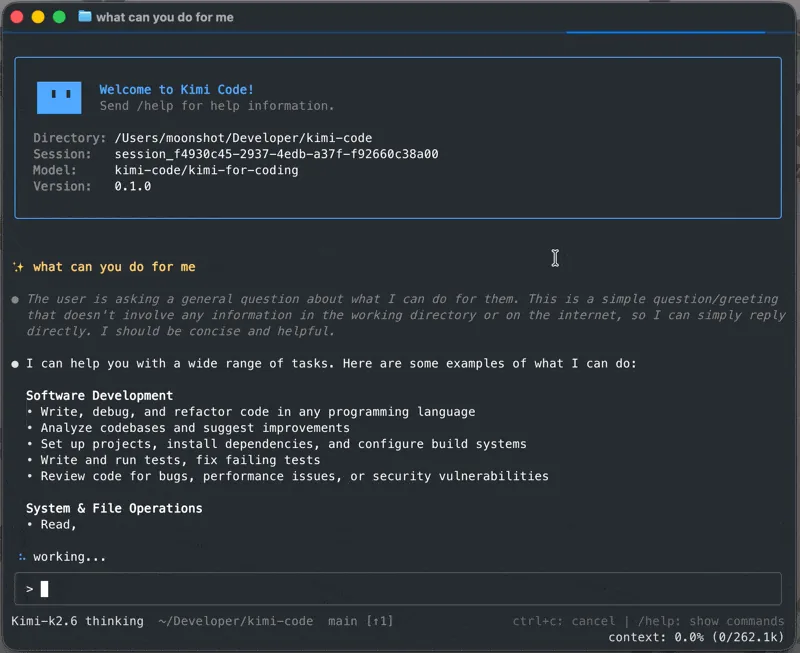 Kimi Code running inside a server terminal with subagent and file tools
Mistral Vibe: /goal loops and Git worktree isolation#
Mistral Vibe from France shines when delegating multi-step coding objectives on a server. Run /goal to let the agent iterate step by step until a target passes (capped cleanly with --max-turns), and launch vibe --worktree task-name to spin up a dedicated Git worktree so experimental edits never collide with your main branch.
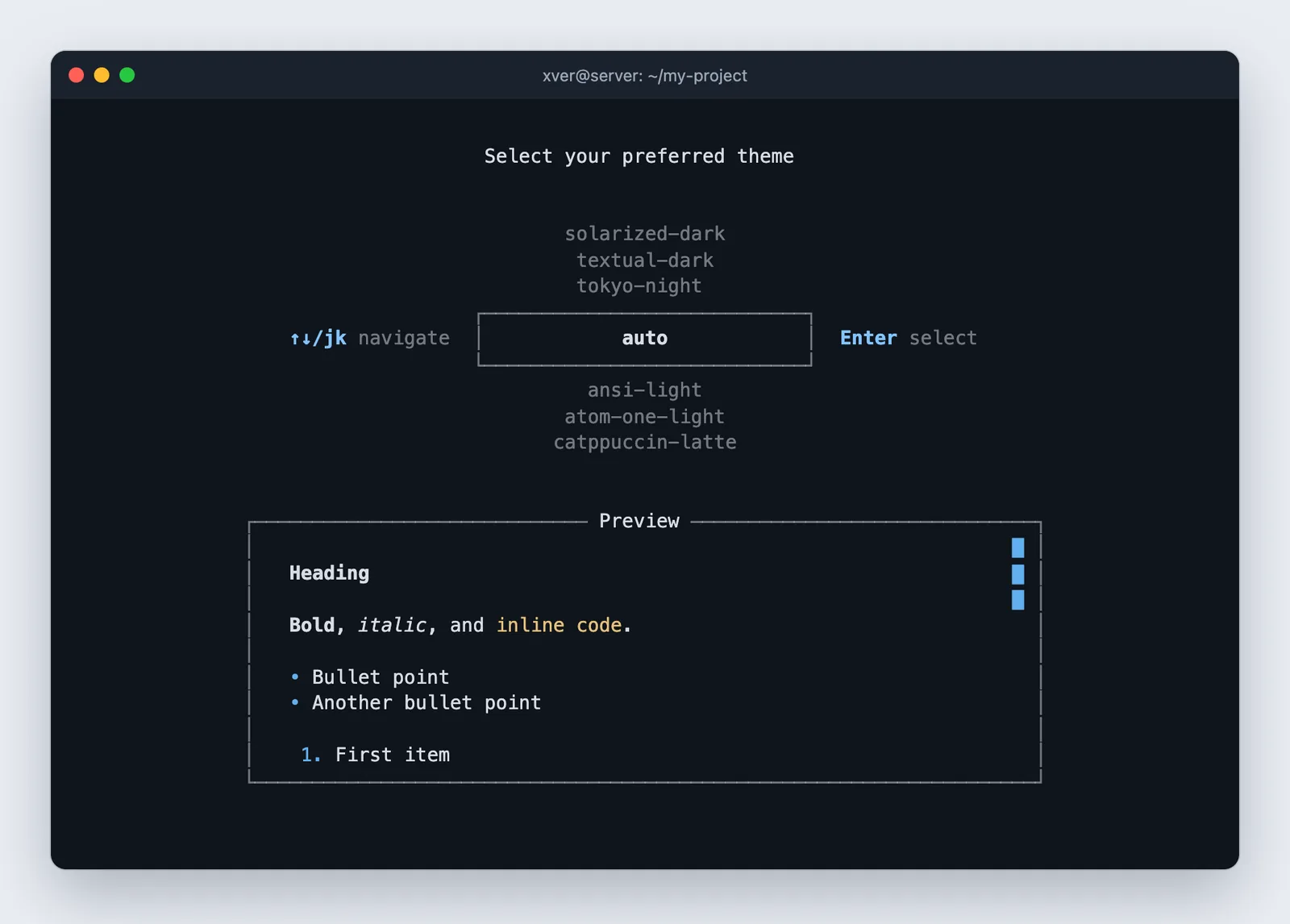 Mistral Vibe terminal onboarding screen before starting a coding or worktree session
CodeBuddy: Tencent's CLI for project init, commits, and log piping#
Tencent Cloud's CodeBuddy Code focuses on everyday developer tasks: /init scans and caches project context, commit generation summarizes staged changes, MCP adds external services, and codebuddy -p reads piped server error logs for rapid root-cause analysis.
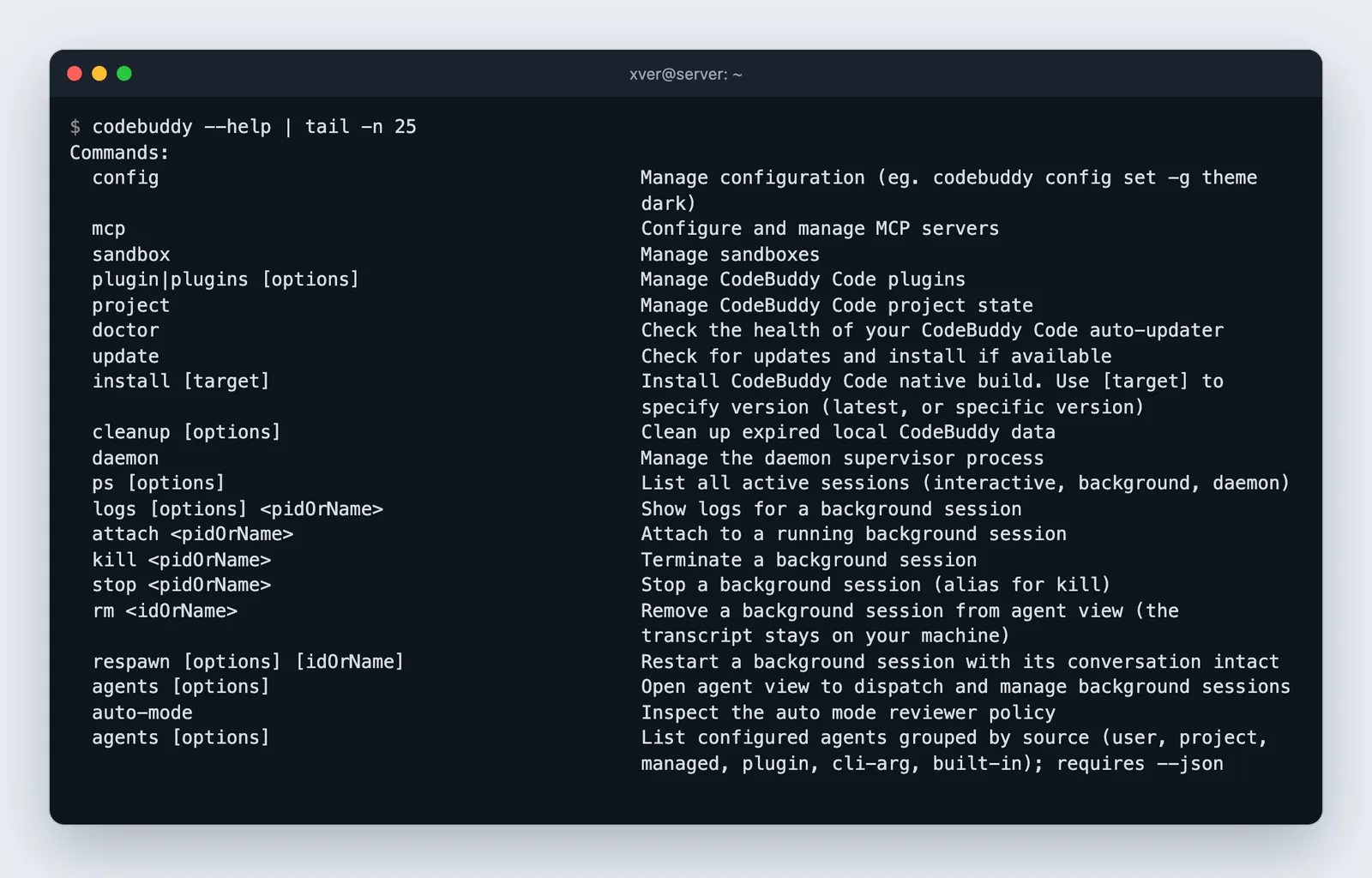 CodeBuddy CLI command listing inside an
 Ubuntu terminal
Choosing one or testing several together#
Pick by standout workflow
- Qwen Code: You want an open-source CLI that freely swaps across Qwen, OpenAI, Anthropic, Gemini, and local models
- Kimi Code: You like
@/!terminal shortcuts, isolated subagents, and no-JSON/mcp-config - Mistral Vibe: You want
/goalloops and built-in--worktreeisolation per task - CodeBuddy: You already use Tencent Cloud or want quick stdin log analysis and commit drafting
Test four of them on one Cloud Server
- Deploy the Agent Sampler bundle to get Codex, Qwen Code, Kimi Code, Mistral Vibe, and
 OpenCode pre-installed on one server
- Looking for extensible open-source or team-scale CLIs? Read Goose, Crush, Pi, Amp,
 Droid, and
 Auggie
Server sizing and billing#
All four start on 2 vCPU, RAM 4 GB, NVMe disk 40 GB, Bandwidth 4 TB. XVer charges strictly for the Cloud Server by the hour with zero app fees.
See every terminal agent side by side in how to choose among all 20 coding agents on a VPS.
Frequently asked questions#
Who should use the Agent Sampler bundle
Developers who want to benchmark Qwen Code, Kimi Code, Mistral Vibe, Codex, and OpenCode on the exact same repository inside a single hourly Cloud Server.
Can Qwen Code connect to non-Qwen model providers
Yes. Qwen Code supports OpenAI, Anthropic, Gemini, and self-hosted OpenAI-compatible endpoints in addition to Qwen accounts.
What problem does vibe --worktree solve
It opens each coding task in its own isolated Git worktree and branch so background agent edits never dirty your primary working directory.
Does XVer include Qwen, Kimi, Mistral, or CodeBuddy credits
No. You sign in with your own vendor account or API key; XVer bills only for the Cloud Server.

