

Google  Antigravity CLI,
 GitHub Copilot CLI, AWS
 Kiro CLI & xAI
 Grok CLI on a VPS
Compare terminal coding agents from Google,  GitHub, AWS, and xAI on a Cloud Server across login methods, subagents, steering rules, and CI flags.
The XVer team 4 min read 10 min to do Beginner
Also in ภาษาไทย
On this page
- Side-by-side comparison
- Antigravity CLI (Google): planning mode and background subagents
- GitHub Copilot CLI: issue-to-PR workflow in the terminal
- Kiro CLI (AWS): steering rules and custom team agents
- Grok CLI (xAI): open-source coding CLI with live web search
- Quick decision path by ecosystem
- Server sizing and costs
- Frequently asked questions
If you or your company already pay for Google, GitHub, AWS, or xAI, you can run a terminal coding agent on your Cloud Server without adding another vendor subscription. Each platform ships its own CLI ready for 1-click deployment on XVer Marketplace: Antigravity CLI, GitHub Copilot CLI, Kiro CLI, and Grok CLI.
Side-by-side comparison#
Facts verified against the official documentation of Google, GitHub, AWS, and xAI.
| Area | Antigravity CLI |
GitHub Copilot CLI |
Kiro CLI |
Grok CLI |
|---|---|---|---|---|
| Maintainer | Google (antigravity.google (opens in a new tab)) | GitHub (copilot/cli (opens in a new tab)) |
Amazon Web Services (kiro.dev/cli (opens in a new tab)) | xAI (GitHub (opens in a new tab)) |
| Command | agy |
copilot |
kiro-cli |
grok |
| Auth / account | Google account or Gemini API key | GitHub account with Copilot access |
Kiro account | Grok account or xAI API key |
| Project rules | /skills and workspace context |
.github/copilot-instructions.md and AGENTS.md |
.kiro/steering/ and AGENTS.md |
AGENTS.md and CLAUDE.md |
| Planning & subagents | /plan and /agents background subagents |
Shift + Tab plan mode | kiro-cli agent create custom agents |
/plan plus parallel research/code/review subagents |
| Headless & CI | agy -p "prompt" (optional JSON) |
copilot -p "prompt" + --allow-tool |
kiro-cli chat --no-interactive |
grok -p (JSON output + tool limits) |
| MCP support | /mcp |
Built-in GitHub MCP + copilot mcp add |
kiro-cli mcp add |
Built-in tools and live web search |
Antigravity CLI (Google): planning mode and background subagents#
Google's Antigravity CLI (agy) fits developers invested in Gemini or Google Cloud. Running /plan explores your codebase and drafts an implementation plan before editing files, /agents inspects background subagents, and agy -c resumes your latest thread cleanly.
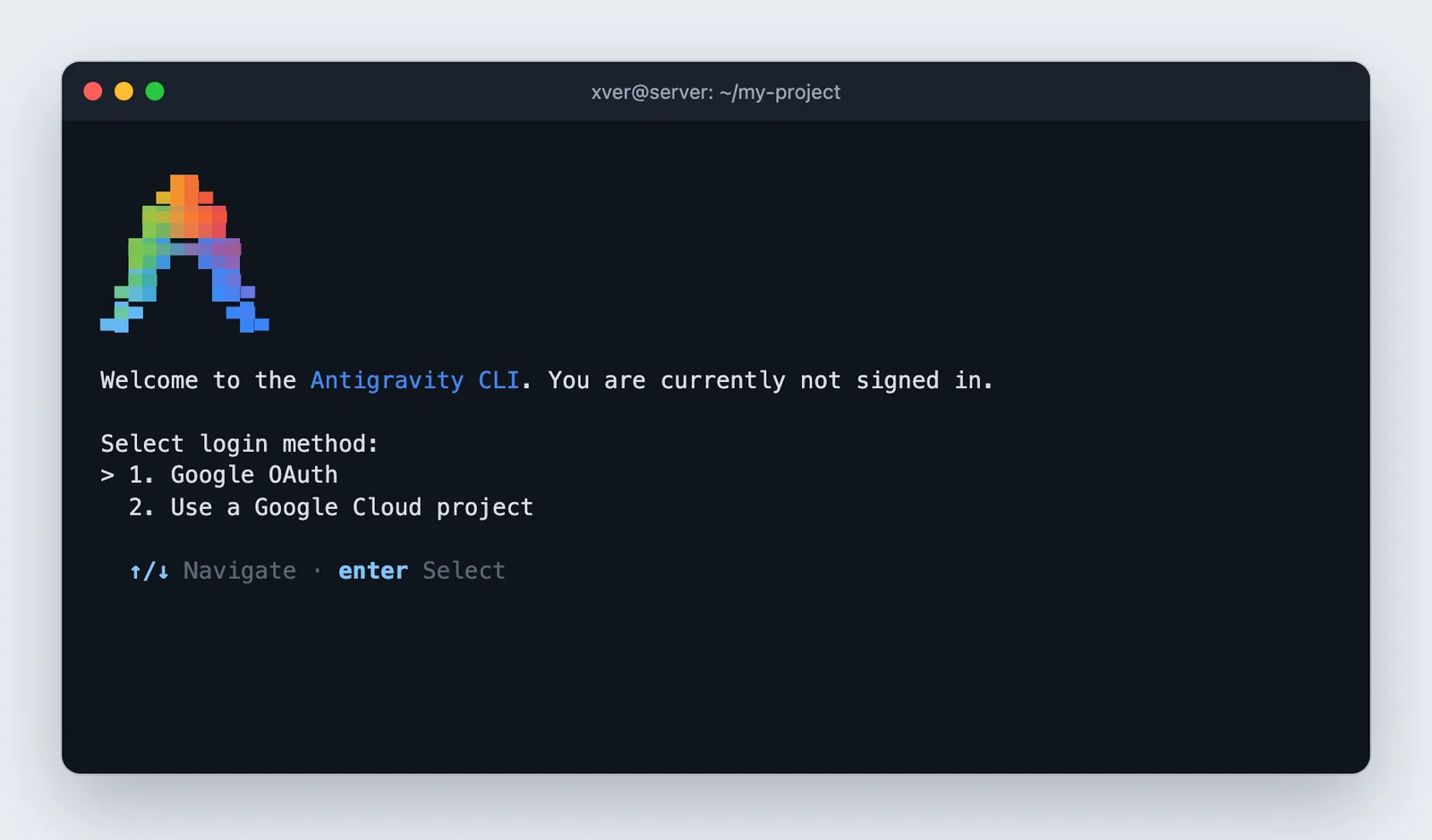 Antigravity CLI sign-in screen letting you pick a Google account or Gemini API key
GitHub Copilot CLI: issue-to-PR workflow in the terminal#
For teams living inside GitHub, copilot plugs straight into your repository lifecycle. With GitHub's MCP server active out of the box, it reads your issues and PRs, branches off cleanly, honors .github/copilot-instructions.md, and opens pull requests under your identity.
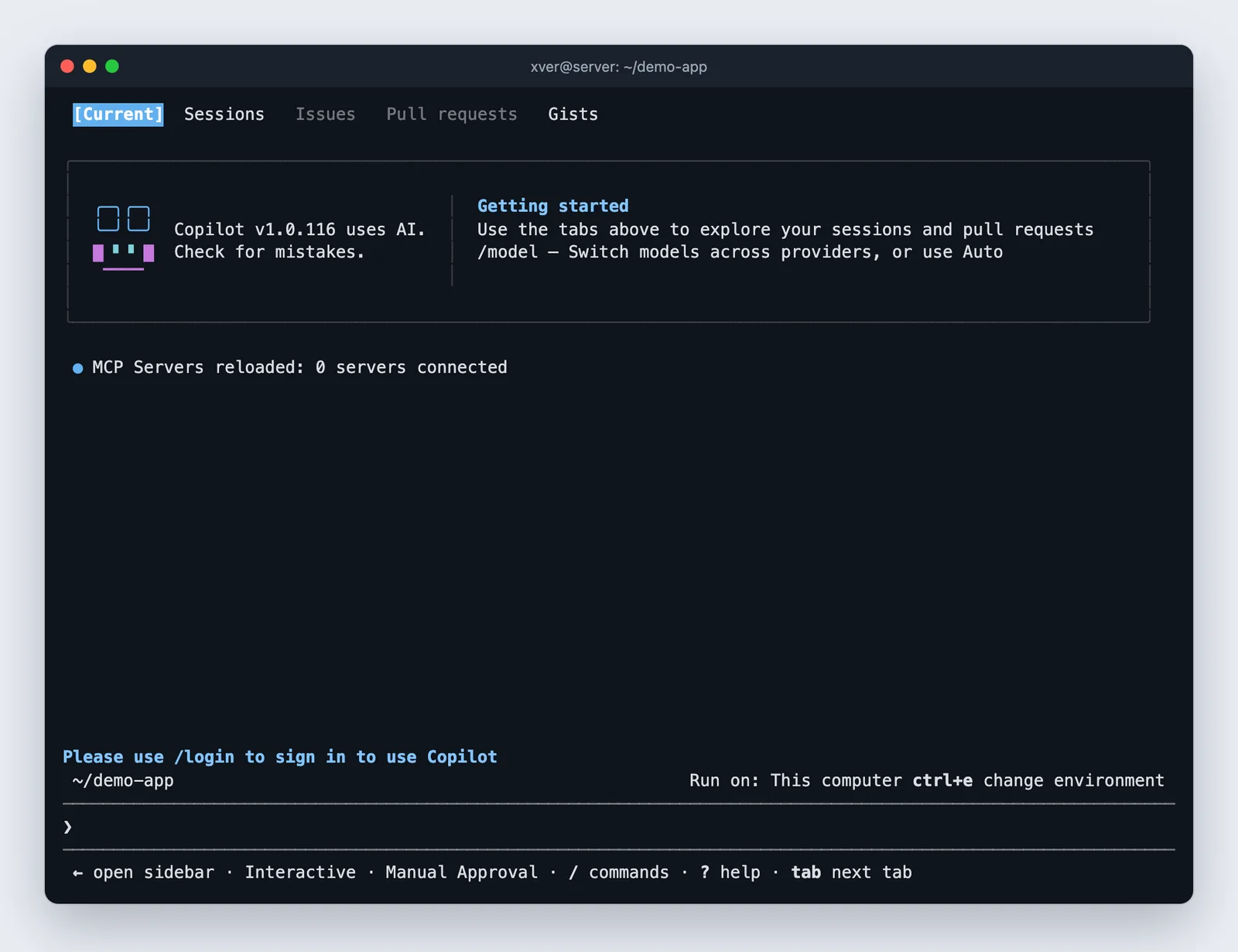 GitHub Copilot CLI welcome interface before connecting your GitHub account
Kiro CLI (AWS): steering rules and custom team agents#
AWS Kiro CLI emphasizes repeatable engineering guardrails. Steering documents inside .kiro/steering/ load automatically at session start, and teams can package specialized workflows with kiro-cli agent create and invoke them with kiro-cli chat --agent.
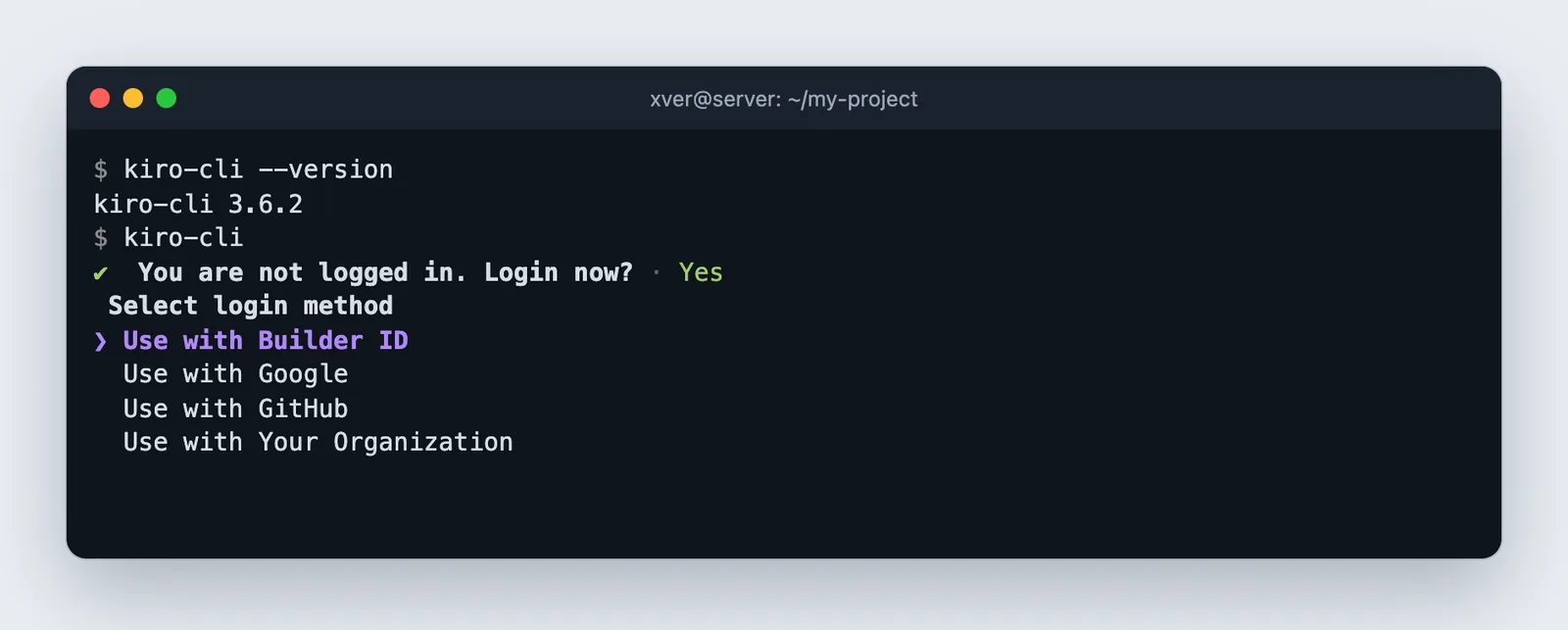 Kiro CLI authentication screen inside a server terminal
Grok CLI (xAI): open-source coding CLI with live web search#
Also called Grok Build, xAI's open-source grok CLI combines repository editing with live web search for checking fresh docs or error messages. Its /plan mode restricts edits strictly to the plan file until approved, while subagents research, code, test, and review in parallel.
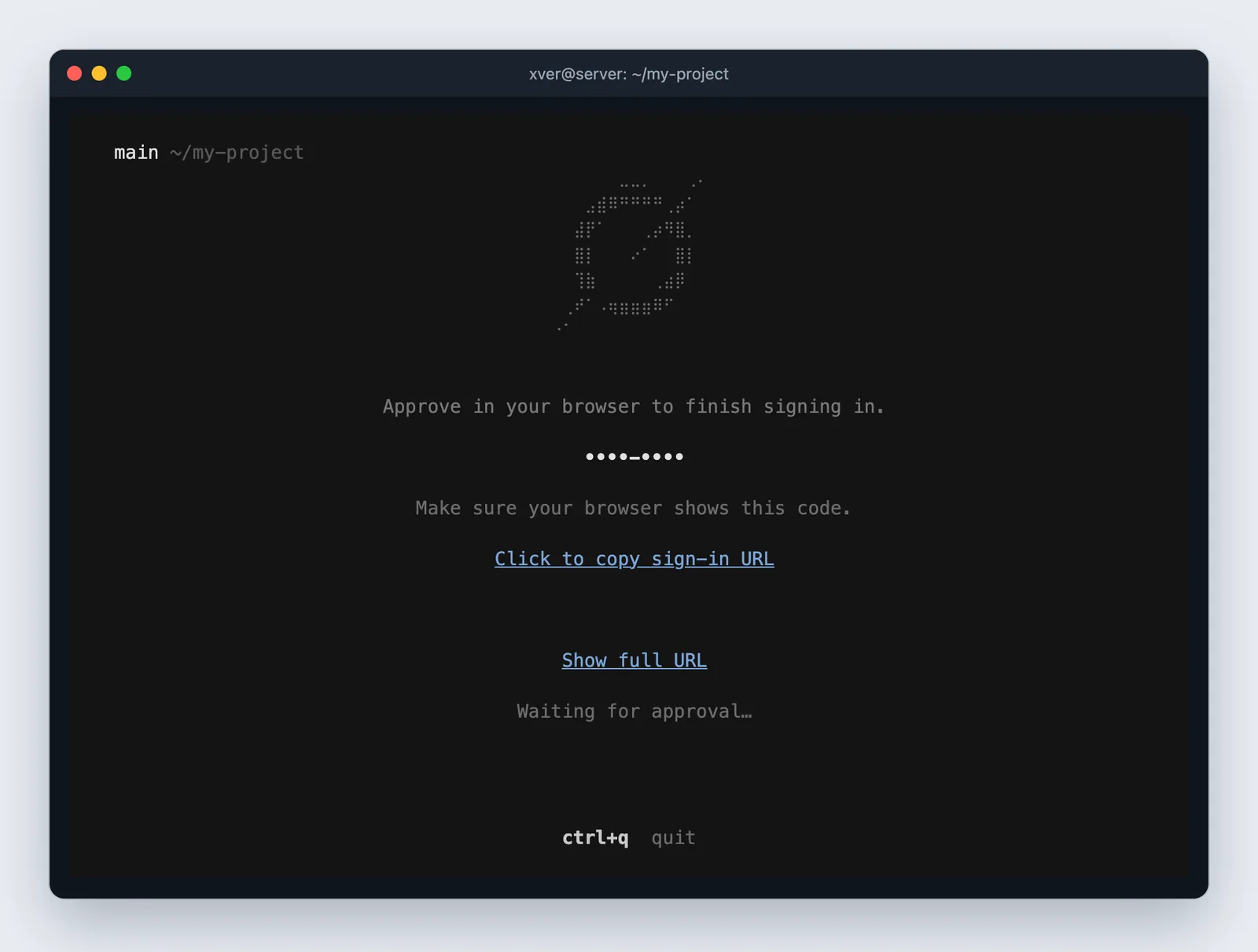 Grok CLI sign-in screen for connecting a Grok account or xAI API key
Quick decision path by ecosystem#
- GitHub Copilot & PR-centric workflow -> GitHub Copilot CLI
- Google / Gemini API & background subagents -> Antigravity CLI
- AWS ecosystem & strict
.kiro/steering/specs ->Kiro CLI - xAI / Grok & open-source CLI with web search -> Grok CLI
Server sizing and costs#
All four CLIs start at 2 vCPU, RAM 4 GB, NVMe disk 40 GB, Bandwidth 4 TB. XVer charges strictly for the Cloud Server by the hour, and you authenticate directly with Google, GitHub, AWS, or xAI.
Looking at cost-effective model-maker CLIs from Alibaba, Moonshot, Mistral, or Tencent? Continue to  Qwen Code vs
 Kimi Code vs
 Mistral Vibe vs
 CodeBuddy or read the complete comparison of all 20 coding agents.
Frequently asked questions#
How do I sign in on a headless VPS without a desktop browser
All four CLIs support device-code login, URL copy-paste to your local browser, or direct API key authentication so you never need a graphical desktop on the server.
Can multiple CLIs share the same AGENTS.md file
Yes. GitHub Copilot CLI, Kiro CLI, and Grok CLI all read AGENTS.md, allowing mixed teams to maintain one shared set of coding conventions.
Can I install more than one of these CLIs on the same Cloud Server
Yes. You can add multiple coding agents in the Marketplace cart to deploy them together on one server and invoke agy, copilot, kiro-cli, or grok side by side.
Does XVer add any markup on top of Google, GitHub, AWS, or xAI billing
No. XVer bills only for the Cloud Server hourly rate; all AI subscriptions or API keys remain directly between you and each vendor.

