

OpenAI Codex vs  Cursor CLI vs
 Claude Code: Running Terminal Coding Agents on a VPS
Compare OpenAI Codex, Cursor CLI, and Claude Code on a Cloud Server across accounts, code review, headless CI commands, tmux workflows, and pricing.
The XVer team 4 min read 10 min to do Beginner
Also in ภาษาไทย
On this page
OpenAI Codex, Cursor CLI, and Claude Code are the three commercial terminal coding agents developers deploy on a Cloud Server most often. All three inspect repositories, edit multiple files, and run shell tests, yet they differ clearly in login requirements, review ergonomics, CI automation, and remote handoff.
Side-by-side comparison#
Facts verified against the official documentation of OpenAI, Cursor, and Anthropic.
| Area | Codex | Cursor CLI |
Claude Code |
|---|---|---|---|
| Maintainer | OpenAI (open-source CLI on  GitHub (opens in a new tab)) |
Anysphere (cursor.com/cli (opens in a new tab)) | Anthropic (claude.com (opens in a new tab)) |
| Command | codex |
cursor-agent |
claude |
| Billing / login | ChatGPT account or OpenAI API key | Cursor account or Cursor API key | Paid Claude plan or Anthropic API key |
| Project instructions | AGENTS.md (via /init) |
Cursor project rules | CLAUDE.md, skills, and hooks |
| Planning & review | /review checks uncommitted diffs or commits read-only |
Plan/Ask modes and Ctrl + r per-file review | Auto/Manual permission modes |
| Headless & CI | codex exec |
cursor-agent -p (text or JSON output) |
Print mode for scripts and CI |
| Continuity / remote | codex resume reloads project threads |
Prefix with & to hand off to Cursor Cloud Agent |
/remote-control from the Claude app |
Codex: OpenAI's open-source CLI for reviews and CI#
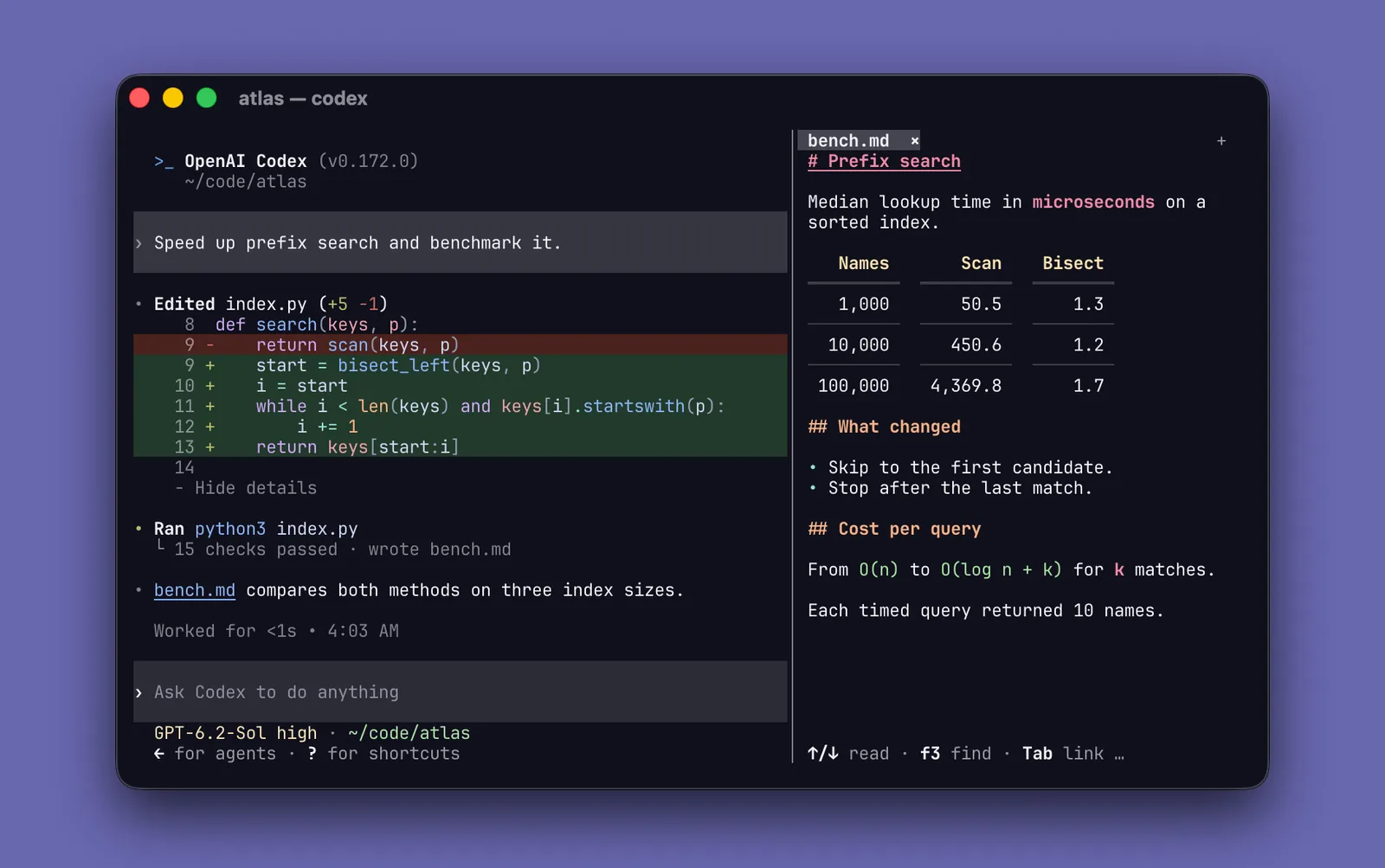
Codex fits cleanly into terminal-first engineering workflows. Running /review audits your working tree, a specific commit, or a branch diff without altering files, while codex exec runs non-interactive tasks inside scripts and CI jobs. Whenever you return to a server, codex resume picks up the exact previous thread for that repository.
Cursor CLI: terminal speed with Cloud Agent handoff#
If your team already works in Cursor, cursor-agent brings its planning and diff tools directly onto your  Linux host. Plan mode interviews you before touching code, Ask mode stays strictly read-only, Ctrl + r steps through edits file by file, and starting any prompt with
& delegates long background work to Cursor's Cloud Agent so you can track it on web or mobile.
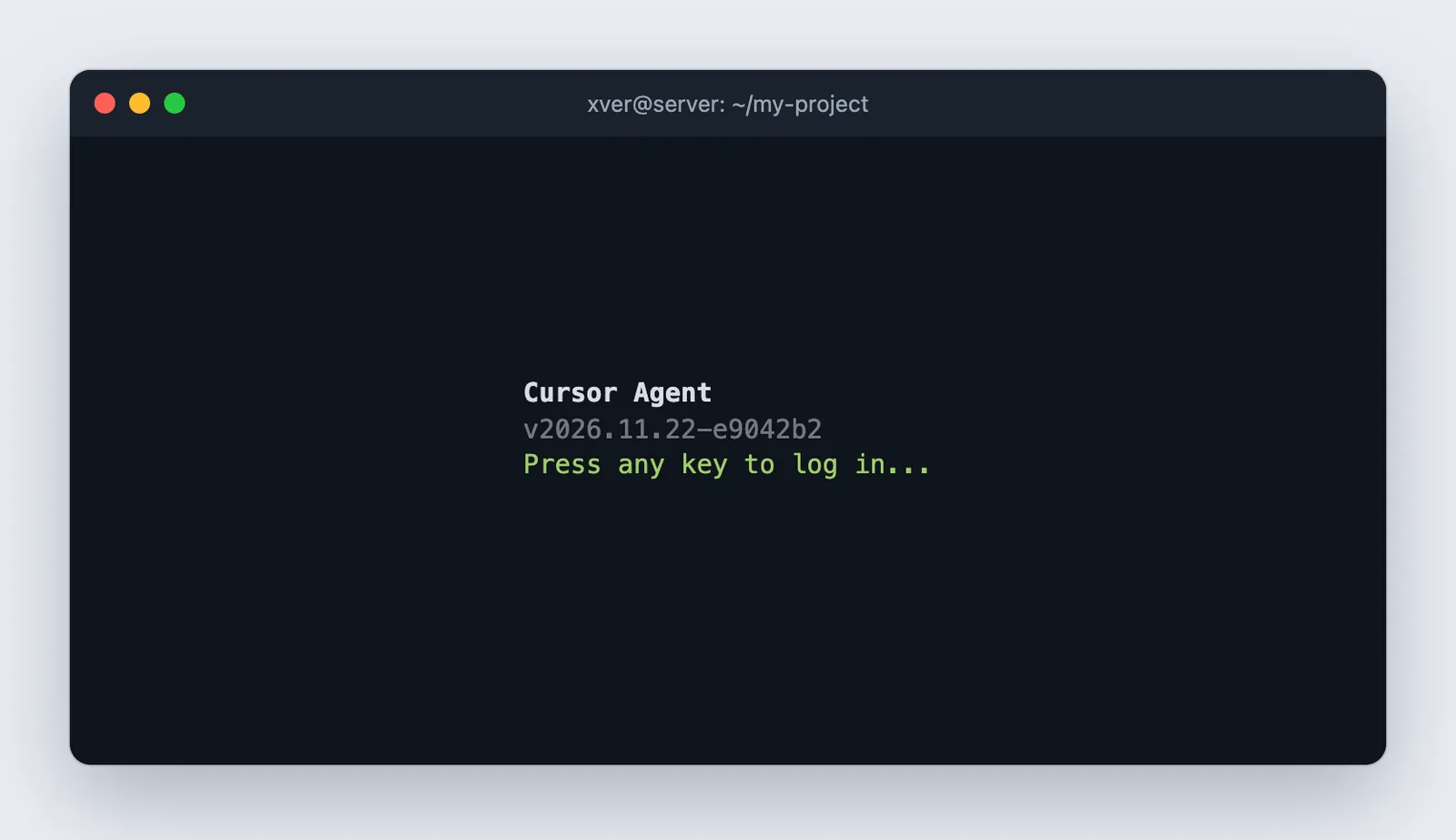 Cursor CLI welcome screen inside a terminal session
Why developers move coding agents onto a VPS with tmux#
Running multi-hour refactors or full test suites on a laptop fails whenever the lid closes, and it exposes personal files to shell-executing agents. A dedicated Cloud Server running tmux solves both issues cleanly.
- Your laptop or phone connects through the XVer web terminal or SSH
- tmux session keeps
codex,cursor-agent, orclauderunning if your network drops - Isolated Git branch contains all edits and test runs until you inspect
git diff
tmux new -s dev
cd ~/my-repo
git checkout -b agent/refactor
codex   # or cursor-agent / claude
Success check: Detach with Ctrl + b then d while the agent keeps running, and reattach later with tmux attach -t dev.
Choosing among the big three#
Match the subscription you already pay for
- Paying for ChatGPT or OpenAI API and want
/reviewplusAGENTS.md: pick Codex - Already on Cursor and want per-file diff inspection or
&Cloud Agent handoff: pickCursor CLI - Paying for Claude Pro/Max and want
CLAUDE.mdplus Remote Control: pickClaude Code
Want multiple agents or open-source BYOK
- Want Claude Code, Codex,
 OpenCode, and
 Docker on one server? Deploy the AI Coding Box bundle
- Prefer open-source agents connecting to 75 to 500+ models? Read OpenCode vs Cline vs
 Kilo Code
Server sizing and costs#
All three apps start cleanly on 2 vCPU, RAM 4 GB, NVMe disk 40 GB, Bandwidth 4 TB. Projects with heavy builds, type-checking, or Docker test containers run more smoothly on 4 vCPU, RAM 8 GB, NVMe disk 80 GB, Bandwidth 10 TB.
Compare every terminal coding agent in our complete guide to all 20 coding agents on XVer and review the Ubuntu security checklist.
Frequently asked questions#
Does XVer sell ChatGPT, Cursor, or Claude subscriptions
No. XVer charges only for the Cloud Server by the hour. You sign in using your own OpenAI, Cursor, or Anthropic account or API key.
Can I install both Codex and Cursor CLI on the same server
Yes. On the Marketplace page you can click the plus button to stack multiple coding agents onto one server, or deploy the AI Coding Box bundle directly.
Is OpenAI Codex free to run
The Codex CLI software itself is open source, while model usage requires a supported ChatGPT subscription or an OpenAI API key billed by OpenAI.
Will the agent keep working after I close my laptop
Yes, as long as you launch the agent inside a tmux session on your Cloud Server before disconnecting.

