

 OpenBot on a VPS: Synthetify Labs OpenBot vs
 CopilotKit OpenBot
Why two different AI agent projects share the name OpenBot, how they differ on licensing, mobile access, approvals, and self-hosting costs.
The XVer team 5 min read 10 min to do Beginner
Also in ภาษาไทย
On this page
Two separate AI agent workspaces share the name OpenBot: Synthetify Labs OpenBot and CopilotKit OpenBot. Both run autonomous bots with browser access on your own Cloud Server, but they differ sharply in license terms, client apps, approval controls, and ongoing costs.
Side-by-side comparison of both OpenBot apps#
People searching for OpenBot frequently install the wrong project because the names collide. This table compares both apps using facts from their official  GitHub documentation.
| Area | OpenBot (Synthetify Labs) |
CopilotKit OpenBot |
|---|---|---|
| Maintainer | Synthetify Labs (GitHub (opens in a new tab)) |
CopilotKit (GitHub (opens in a new tab)) |
| License | PolyForm Noncommercial 1.0.0 (personal use only) | MIT code, requires a CopilotKit Intelligence license |
| How you control it | Desktop app, mobile app, or openbot.run/app |
Local web UI over SSH at http://localhost:3001 |
| Open internet ports | None (server connects outbound only) | None (bound to 127.0.0.1:3001) |
| Supported AI backends | Codex,  Claude Code, Grok,  OpenCode, Cursor, OpenAI-compatible APIs |
OpenAI, Anthropic, or Google API keys |
| Approval gates | Acts autonomously after initial confirmation | Prompts before delete, send, share, or payment actions; custom allow/deny rules |
| Scheduled work | Queued tasks and assistant-to-assistant messaging | Routines as frequent as every 15 minutes, up to 20 concurrent |
| Data storage | Chats, files, and provider logins stay on your server | Bots, rules, and logs stay on your server; chat memory lives in CopilotKit Intelligence |
How Synthetify Labs OpenBot works#
Synthetify Labs OpenBot turns a Cloud Server into an always-on workspace for a team of AI assistants. You create each assistant by describing its role, giving it its own workspace, instructions, and conversation thread.
Because the server makes an outbound connection to your OpenBot account, you never expose ports or configure a reverse proxy. Chats and files travel encrypted between your server and the OpenBot desktop, mobile, or web client.
- OpenBot app on
 macOS,
 Windows,
 Linux, mobile, or
openbot.run/app - Your Cloud Server running the OpenBot container, workspace files, and built-in browser
- AI providers and coding tools such as Codex, Claude Code, Grok, or your API keys
OpenBot connects outbound so your VPS stays closed to inbound trafficKey details before deploying#
- One-time QR mobile pairing: Run
sudo docker exec -it openbot openbot mobile-connecton the server to pair your phone. Each QR code expires in two minutes. - Reuse existing AI accounts: Connect accounts or keys you already pay for, including ChatGPT for Codex or Claude.
- Noncommercial restriction: PolyForm Noncommercial 1.0.0 covers personal use only. Commercial teams must buy a commercial license directly from Synthetify Labs.
How CopilotKit OpenBot works#
CopilotKit OpenBot focuses on controlled browser and app automation. Each bot runs inside a workspace with its own browser to read pages, click controls, and submit forms while you watch live.
When a bot hits a login screen or verification code, it pauses so you can take over the browser directly in the same tab and hand control back. Before deleting, sharing, sending, or paying, it asks for approval (once, for the chat, always, or deny).
- Your browser opening
http://localhost:3001through SSH port forwarding - CopilotKit OpenBot container running the bots, browser, and local rule checks
- CopilotKit Intelligence + model API handling memory and model inference
CopilotKit OpenBot stays behind an SSH tunnel and checks your approval rules before sensitive actionsRequired keys before first launch#
The web page stays closed until you place both your CopilotKit Intelligence credentials and a model API key inside ~/.config/copilotkit-openbot/keys.env and restart the service. Review license plans at open.bot/pricing (opens in a new tab).
Which OpenBot should you pick#
Pick Synthetify Labs OpenBot
- You want a personal 24/7 team of assistants on your own server
- You prefer controlling bots from a native mobile or desktop app without keeping SSH open
- You want assistants powered by Codex, Claude Code, Cursor, or Grok accounts you already use
Pick CopilotKit OpenBot
- You need explicit approval prompts and domain blocklists for browser automation
- You want direct human takeover on login forms and two-factor prompts
- You are ready to maintain a CopilotKit Intelligence license alongside your model API key
If you want an open-source multi-agent team where every agent gets its own computer with no separate commercial platform fee, read our  Rakazo self-hosted guide or browse all 13 options in how to choose a self-hosted AI agent.
Server sizing and hourly costs#
Both Marketplace apps install with Docker on  Ubuntu 26.04 and start at 2 vCPU, RAM 4 GB, NVMe disk 40 GB, Bandwidth 4 TB. Running multiple browser-heavy bots simultaneously benefits from stepping up to 4 vCPU and 8 GB RAM so headless browser tabs stay responsive.
Here is what the base server costs for a 24-hour test, a one-week trial, or a full month:
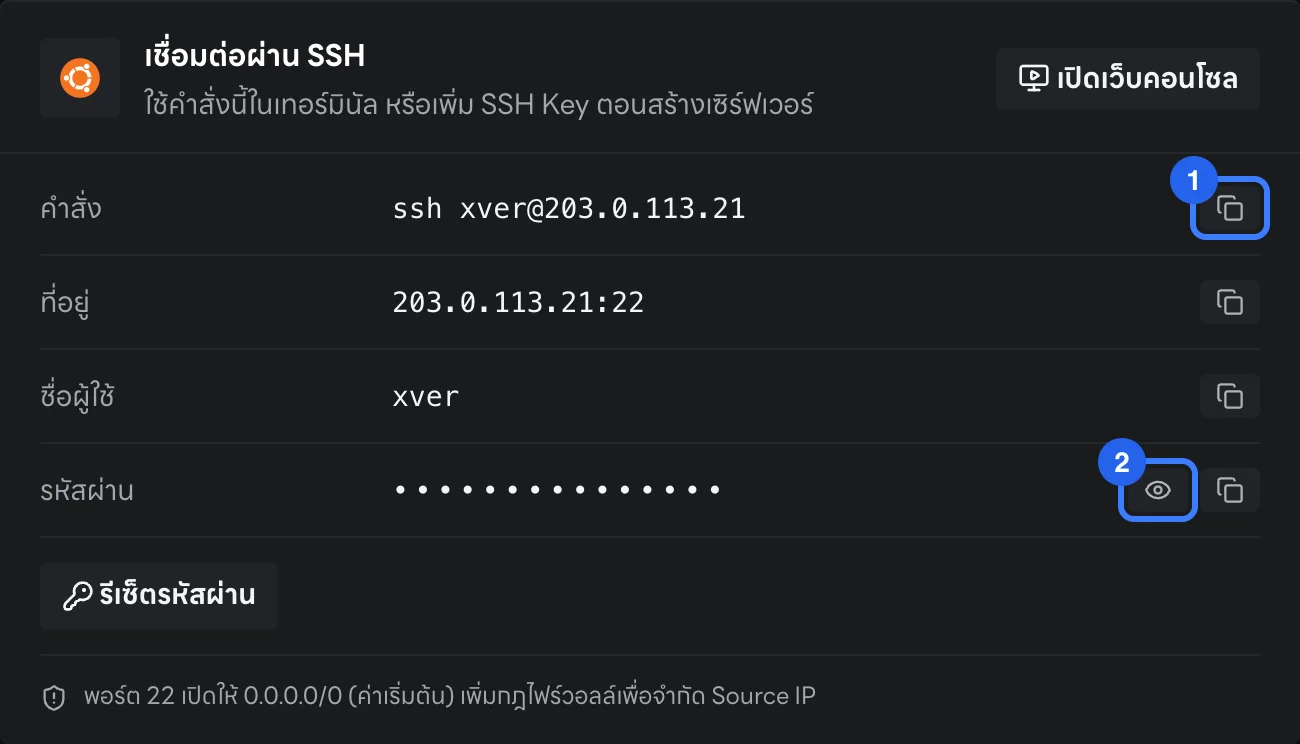
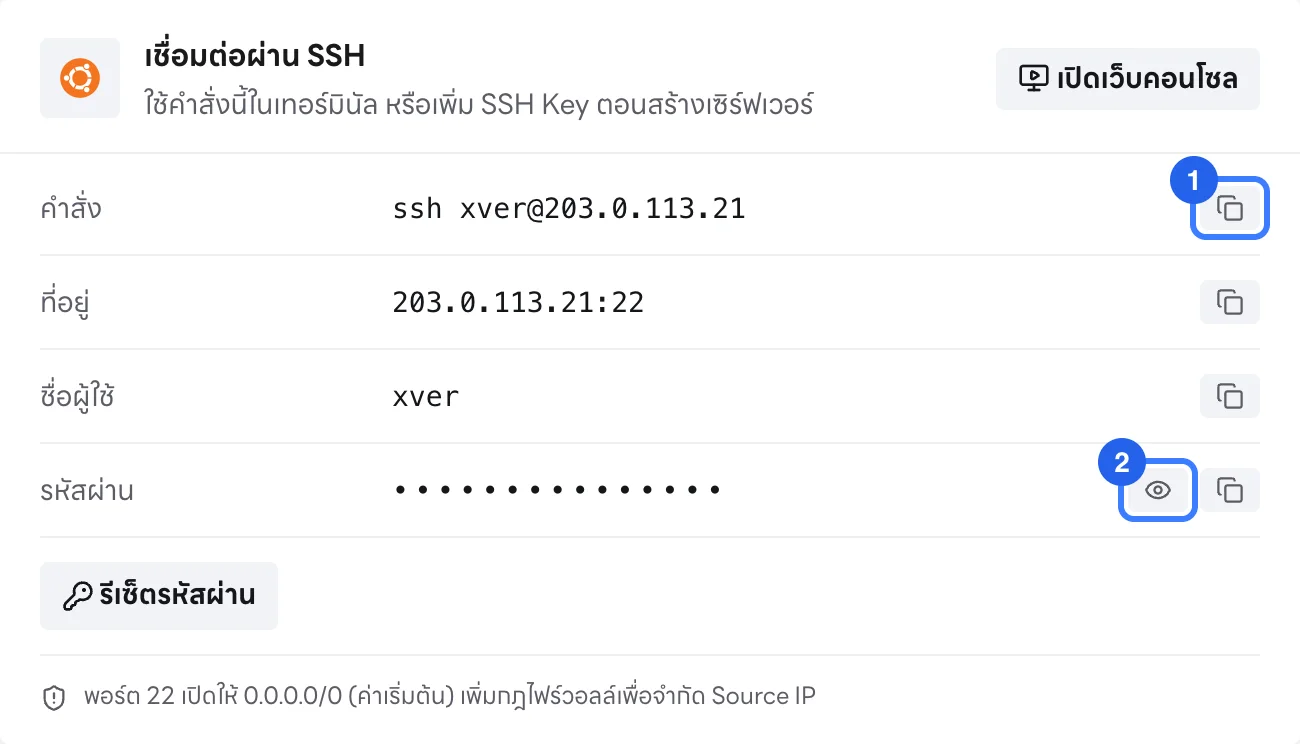
Security rules before giving bots full access#
| Risk | Practical safeguard |
|---|---|
| Runaway token bills from queued jobs or routines | Create a dedicated API key per server with a hard monthly spending limit |
| Prompt injection from web pages or emails | Never store production credentials or personal SSH keys on the agent server |
| Accidental public web exposure | Never open port 3001 on CopilotKit OpenBot in the firewall; use SSH port forwarding only |
| Billing on stopped servers | Stopping a server still reserves resources; delete the server to stop hourly charges |
Review our Ubuntu server security checklist before connecting external accounts.
Frequently asked questions#
Are Synthetify Labs OpenBot and CopilotKit OpenBot related
No. They are completely independent projects built by different teams that happen to share the name OpenBot.
Can a company use Synthetify Labs OpenBot for free
No. Its repository uses the PolyForm Noncommercial 1.0.0 license for personal use only. Commercial usage requires buying a commercial license directly from Synthetify Labs.
Why does CopilotKit OpenBot not load right after installation
The container waits until you add both your CopilotKit Intelligence keys and your model provider API key to keys.env and restart the service.
Does XVer charge extra for OpenBot or AI models
No. XVer bills only for the Cloud Server by the hour. Model API usage and any vendor licenses are paid directly to each provider.
Do I need to open firewall ports for either OpenBot app
No. Synthetify Labs OpenBot connects outbound through your OpenBot account, and CopilotKit OpenBot is accessed privately through an SSH tunnel.
